These mechanically driven machines are real workhorses, designed to run continuously. They are heavy machines to cope with dense, high volume produce like potatoes. Although they are robust and reliable, some maintenance work needs to be done. This article gives some tips and advice on how to change the link arms.
How to tell if the link arms need replacing?
You might notice that the trough is tilting, or making a banging noise, or if you inspect the link arms, you might see that the rubber is cracked.
What is a link arm?
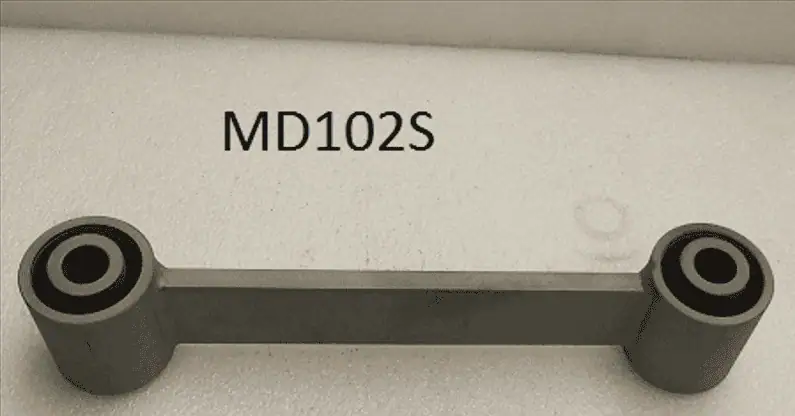
A link arm links the conveying surface (trough) to the base of the machine. It is made from stainless steel with a rubber bush at each end. They are available from stock at KMG, part number MD102S.
What else will I need?
- 2t jack
- Replacement B1-60SS buffers
- Replacement MD102s link arms
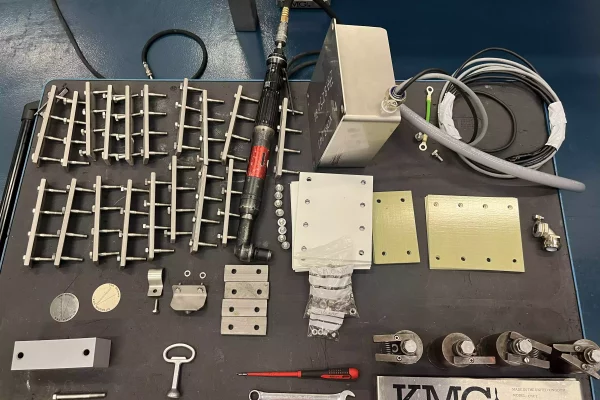
- 4 x HP284S set up blocks
- 17mm spanners and 24mm spanners
Top Tip
You’ll need to support the trough in the correct position while you change the link arms. If you don’t do this, you’ll put the trough in the wrong location and it will bang against the base. Use 4 x HP284S set up blocks. You only need to buy them once, then keep them in your toolkit for every link arm change.
Step by Step
- Isolate and lock off the power to the machine
- While the full weight of the pan is on the B1-60SS buffers, preventing them from turning, remove the B1 buffer nuts
- Slacken off (but do not remove) all link arm bolts
- Jack up the trough using a 2t jack. Use some timber to protect the trough and take a moment to consider how to position it safely.
- One at a time, remove the 4 corner link arms and buffer, replace with new link arm and a HP284 set up block. You might need to raise or lower the trough slightly (using the jack) in order to position it so that you can line up the link arm boss with corresponding socket on the pan.
- When the set up blocks are in place on all 4 corners, the machines is safely supported in the correct position. You can now remove the jack.
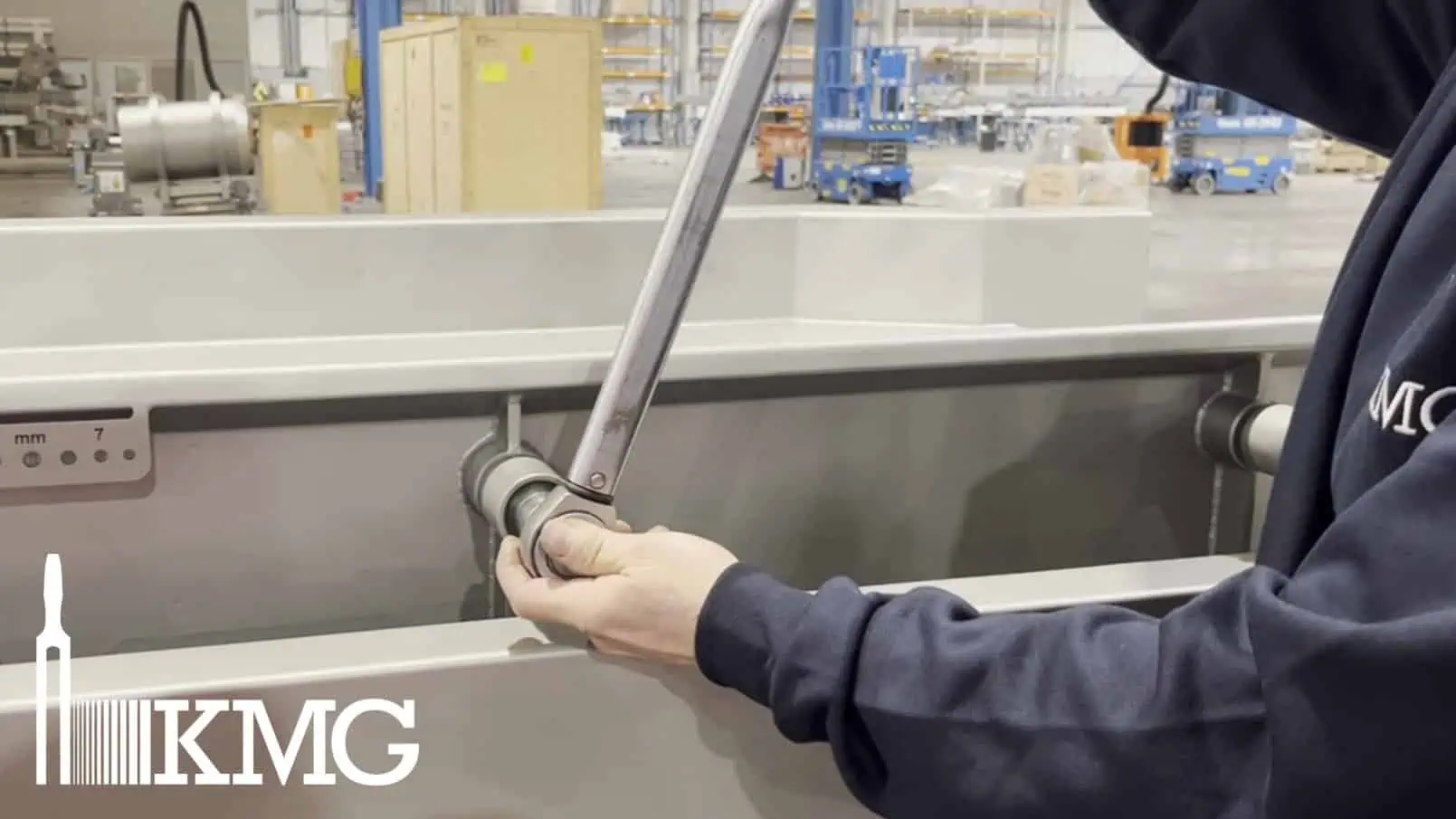
- One at a time, replace a link arm and its B1-60SS buffer, tightening the link arm fixings to 200Nm. The M10 B1-60SS nuts just need to be tight.
- Return to the corners. One at a time, replace the set up blocks with B1-60SS buffers. Put your HP284 set-up blocks away for next time!
- Power the machine back on.
If you need any help then do contact the KMG service department service@kmgsystems.com or 01767 650760